
How does Wens on Web work?
Create a personal page, share the link with friends, family or colleagues and let everyone add something themselves. A message, photo or clip: everything comes together in one place.
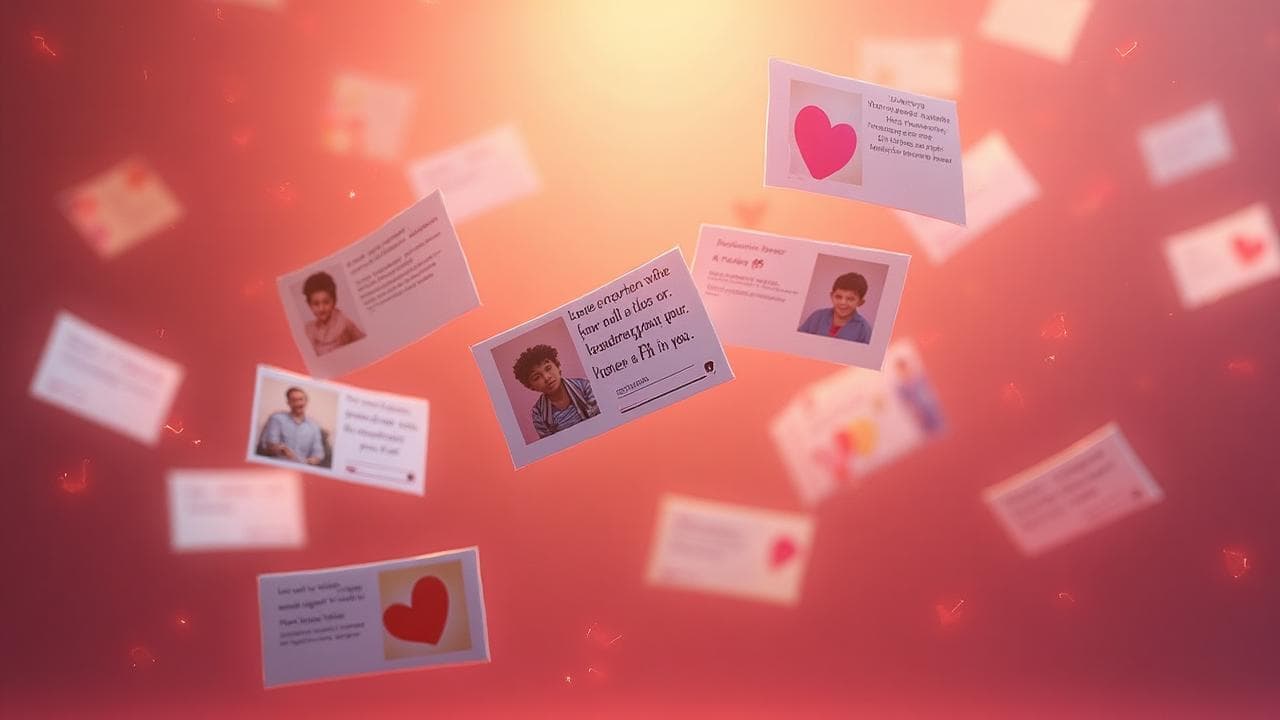
- Ready in 5 minutesYour page is online in no time
- No account for guestsOpen the link and add something
- Upgrade laterYour existing wishes stay
How it works
From an empty page to the first wishes takes just a few minutes.
Create your page
Choose the occasion and make the page personal with your own title, text and cover photo.
Share the link
Send the link via WhatsApp, email or social media. You also get a QR code automatically, for an invitation or during the party.
Collect the wishes
Friends, family or colleagues open the link and add their own message, photo or video. They do not need an account.
Keep everything
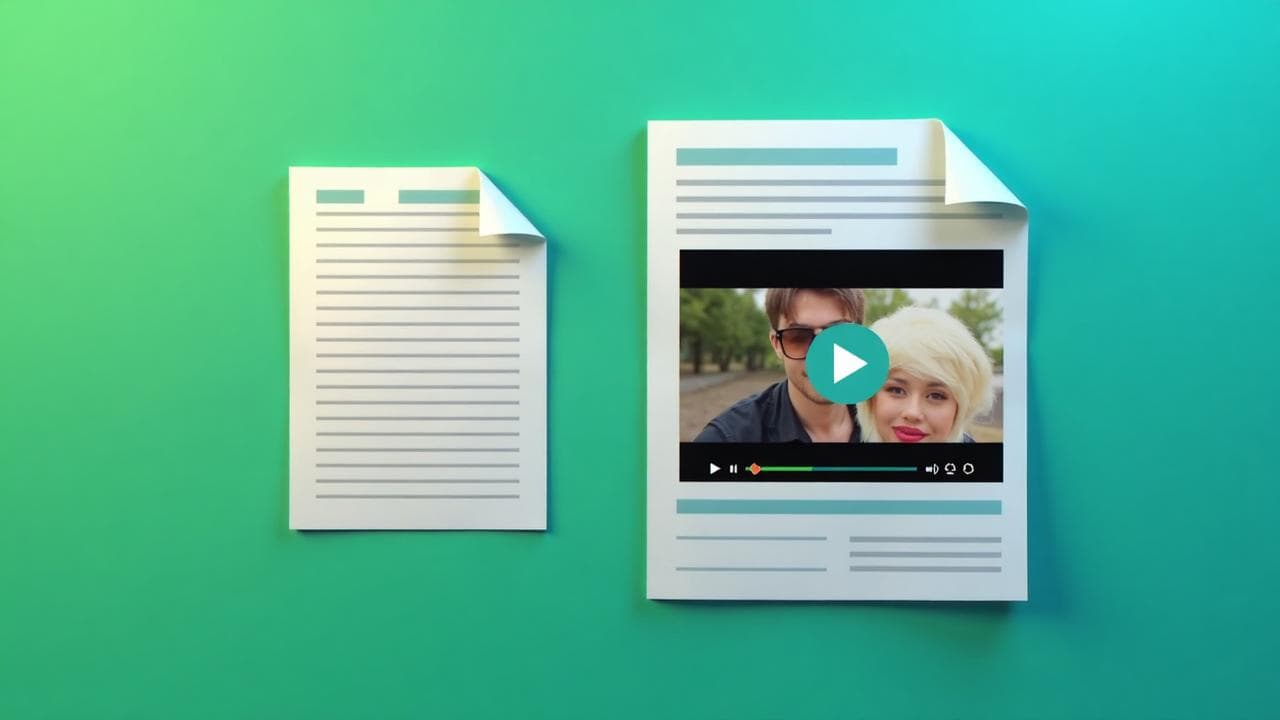
All contributions stay neatly together. With Basic and Premium you can download them as a PDF. With Premium you can also make a video compilation.
Anyone can add something
You do not have to gather all the messages, photos and clips yourself afterwards.
Just share the link to your page. Everyone you invite can add something themselves.
A personal message
A short congratulations, a funny anecdote, a lovely memory or a longer story. Everyone decides what they want to write.
A photo
That one photo from years ago, a moment from the party or just a nice picture together. Photos can be added straight from a phone or computer.
A video
Some things are easier to say than to write. Guests can therefore also add a personal video message.
Without an account
Guests do not need to register. They open the link and can start right away.
Share the page your way
Send the link on
The simplest way. Share the link via WhatsApp, email, Messenger or any other channel you use.
Use the QR code
Every page gets a QR code automatically. Put it on an invitation, a table card or during the party so guests can add something immediately.
Keep the page private
You decide who gets the link. With Basic and Premium you can also protect the page with a password.
Also for people who cannot be there
Not everyone has to be in the same place. Someone who cannot come to the party can still leave a personal contribution via the same link.
You keep the overview
While others add their contributions, you can follow everything from your account.
See what comes in
In your dashboard you see the contributions added to your page.
Review first
Do you not want contributions to appear immediately? You can review them first before they show on the page.
Adjust your page later
You can still change the cover, texts and settings of your page afterwards.
Pause new contributions
Want to stop new additions for a while? You can pause your project and reactivate it later.
And after the party?
A birthday or party is over quickly. The messages and photos you may want to keep much longer.
Look through everything again
On the results page you see all collected contributions together.
Download as PDF
With Basic and Premium you can download the collected wishes and photos as a 210 × 210 mm PDF. Keep them digitally or have them printed.
Make a video compilation
With Premium you can also make a video compilation of the collected contributions.
A little extra time to export
After your project ends you still have 7 days to make your available exports.
What do you always get?
Even if you start for free, you get everything you need to create and share a page.
Your own link
Every page gets a unique link that you can easily send to the people who may add something.
Automatic QR code
Handy on an invitation, a card or during a party.
Works on every device
The page works on smartphone, tablet and computer. Guests do not need to install anything.
No account for guests
Anyone who adds something does not have to register first.
A safe environment
Wens on Web is meant for sharing your page with the people you choose. It is not a public social network.
Upgrade later
Start free and realise you need more wishes or extra options? You can upgrade without losing existing contributions.
Choose your plan
Start free and upgrade whenever you want, even after the first wishes have arrived.
- Unique link
- Customize the page
- Standard theme
- Max. 20 wishes
- PDF export
- Video compilation
- Password protection
- Unique link
- Customize the page
- Choose your theme
- Max. 50 wishes
- PDF export possible (format 210 × 210 mm)
- Video compilation
- Password protection
- Unique link
- Customize the page
- Choose your theme
- Unlimited wishes
- PDF export possible (format 210 × 210 mm)
- Video compilation possible
- Password protection
For which moment are you making a page?
The flow stays just as simple. You choose the moment and adapt the content to it.

Birthday
Collect congratulations, funny stories, photos and clips for the birthday person.

Retirement
Bring memories and personal messages from colleagues, friends and family together.

Birth
Collect congratulations for the parents and messages that will also be lovely later for the child.

Wedding
Create a digital guestbook with personal messages, photos and clips from your guests.

Anniversary
Collect memories and congratulations for 12.5, 25, 40 or 50 years together, or another anniversary.

Graduation
Celebrate the diploma with congratulations, photos and memories from student life.

Mother's / Father's Day
Create something personal for mum or dad together with children, grandchildren and family.

Memorial
Give beautiful memories, stories and photos a place.

Engagement
Share the good news and collect the first congratulations from friends and family.

Housewarming
Collect messages, photos and nice tips for a new home.

World trip
Send travel tips and personal messages along for the road.
Wens on Web for companies
A colleague retiring, celebrating an anniversary or saying goodbye? Inside a company Wens on Web works in the same simple way.
Create a page, share the link with the team and let colleagues add their own message, photo or clip.
- 5 Premium projects
- Extra projects for €15
- The account does not expire
- All Premium options per project
- Multiple admins on one account
Frequently asked questions
No. Anyone you share the link with can add a contribution without creating an account themselves.
Ready to surprise someone?
Create your page, share the link and let friends, family or colleagues add something personal. You can start free and upgrade later.
One email a month, full of ideas
Ideas for moments worth celebrating, practical tips and occasional news about Wens on Web.